> ## Documentation Index
> Fetch the complete documentation index at: https://docs.quickblox.com/llms.txt
> Use this file to discover all available pages before exploring further.
# Overview
The main goal of the QuickBlox UIKit for Android is to offer developers a streamlined and efficient way to implement chat functionality within their Android applications.
The **QuickBlox UIKit for Android** is a comprehensive user interface kit specifically designed for building chat applications. It provides a collection of pre-built components, modules, and utilities that simplify the process of creating chat applications.
The main goal of the **QuickBlox UIKit for Android** is to offer developers a streamlined and efficient way to implement chat functionality within their Android applications.
The **QuickBlox UIKit for Android** offers modules that encapsulate complex chat functionalities, such as dialogs and chat management, and real-time updates. These modules provide a simplified interface for integrating chat features into applications without the need for extensive knowledge of the underlying protocols or server-side infrastructure.
 ## Features
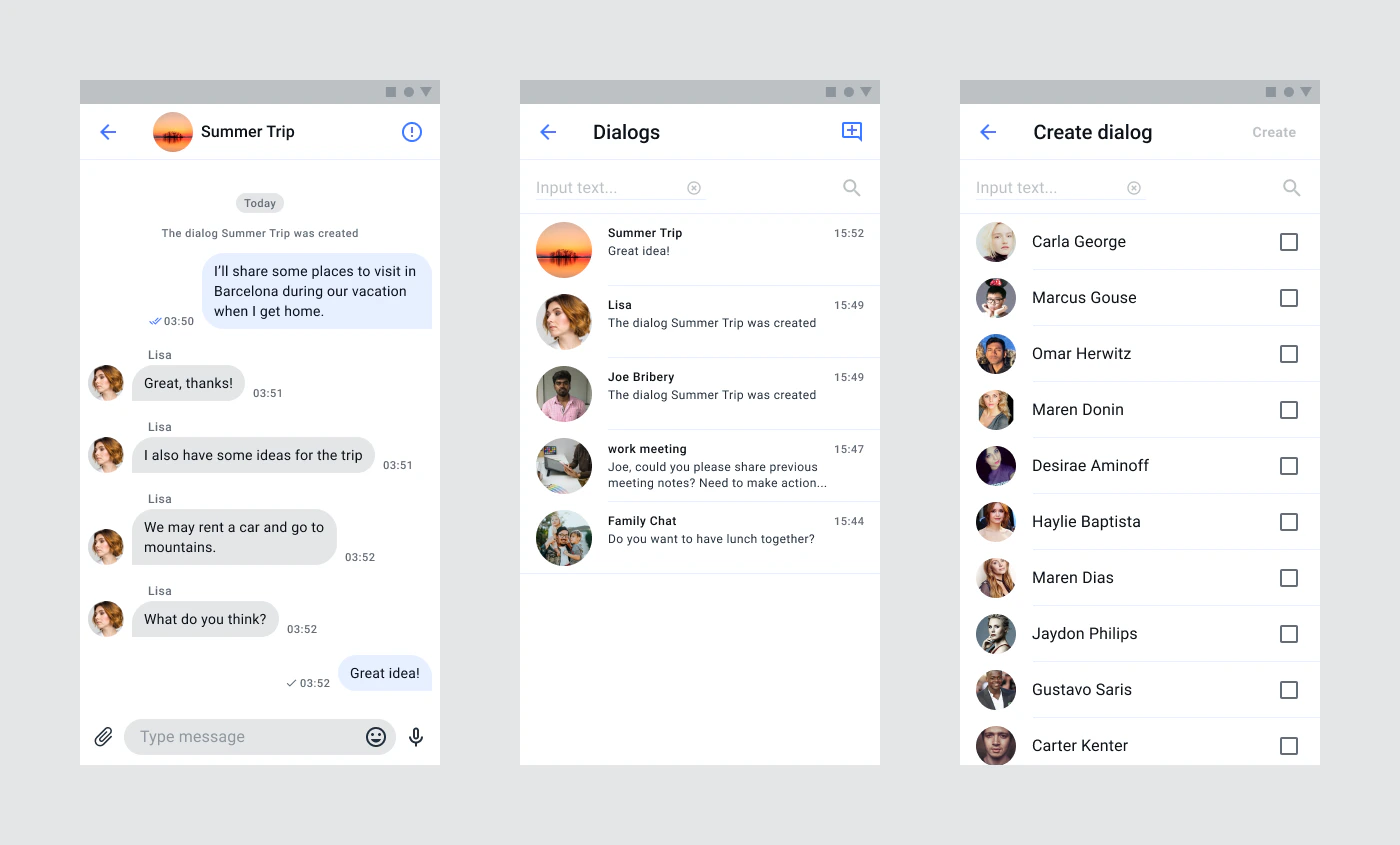
**QuickBlox UIKit for Android** provides next functionality:
* List of dialogs
* Create dialog(Private or Group)
* Dialog screen
* Send text, image, video, audio, file messages
* Dialog info screen
* List, invite, remove members
## Source code
You can find **QuickBlox UIKit for Android** source code [here](https://github.com/QuickBlox/android-ui-kit)
## Sample
Quick start using our [Android UIKit sample](https://github.com/QuickBlox/quickblox-android-sdk/tree/master/android-ui-kit-sample)
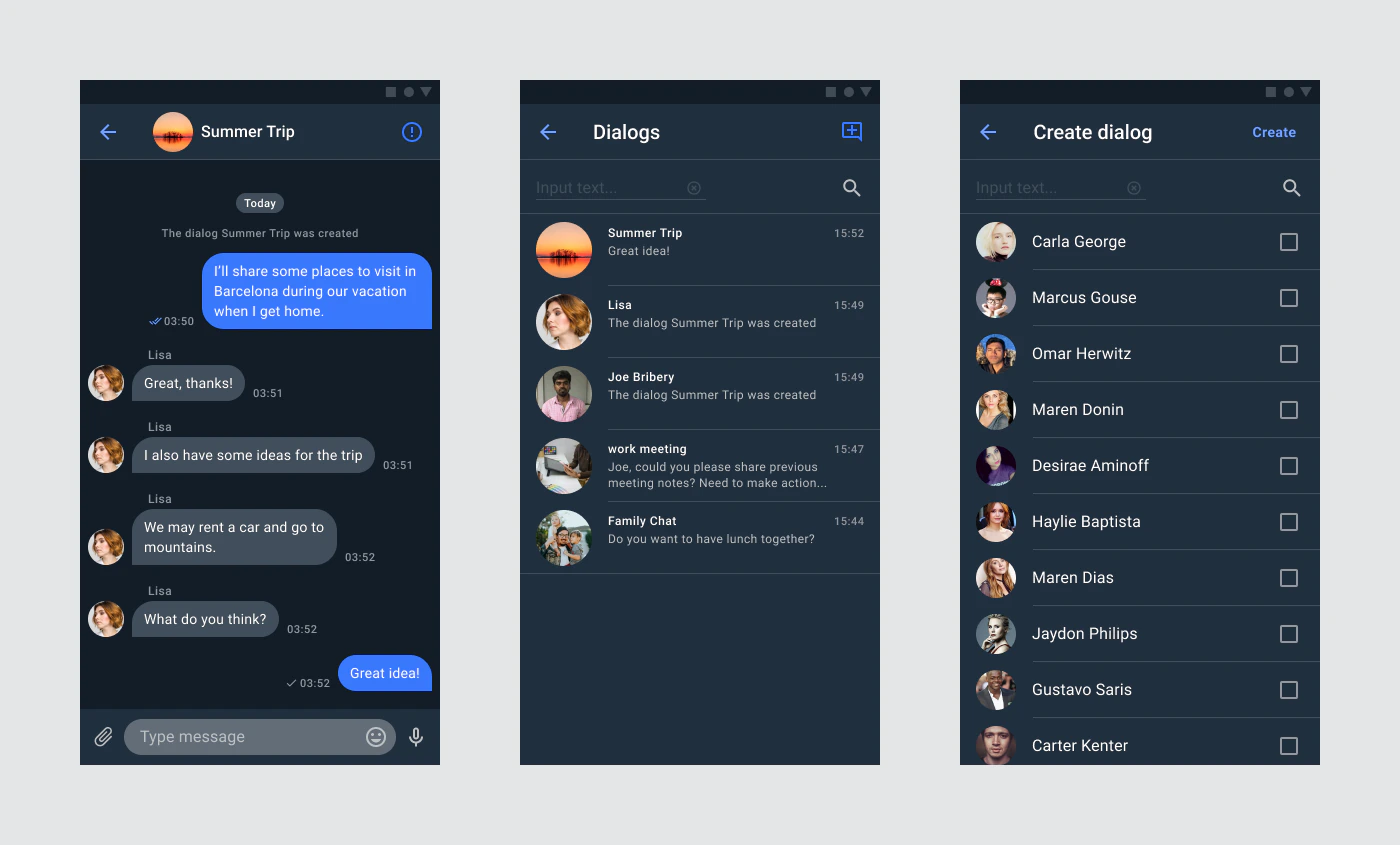
This sample implements authorization functionality and provides an example of color theme customization. Sample code available by this [link](https://github.com/QuickBlox/quickblox-android-sdk/tree/master/android-ui-kit-sample). How to set up and run a sample, see the article in out blog [Getting Started with the QuickBlox Android UIKit](https://quickblox.com/blog/getting-started-with-quickblox-android-ui-kit/).
## Features
**QuickBlox UIKit for Android** provides next functionality:
* List of dialogs
* Create dialog(Private or Group)
* Dialog screen
* Send text, image, video, audio, file messages
* Dialog info screen
* List, invite, remove members
## Source code
You can find **QuickBlox UIKit for Android** source code [here](https://github.com/QuickBlox/android-ui-kit)
## Sample
Quick start using our [Android UIKit sample](https://github.com/QuickBlox/quickblox-android-sdk/tree/master/android-ui-kit-sample)
This sample implements authorization functionality and provides an example of color theme customization. Sample code available by this [link](https://github.com/QuickBlox/quickblox-android-sdk/tree/master/android-ui-kit-sample). How to set up and run a sample, see the article in out blog [Getting Started with the QuickBlox Android UIKit](https://quickblox.com/blog/getting-started-with-quickblox-android-ui-kit/).