

- Go to Dashboard => YOUR_APP => AI Agent.
- Find the AI Agent you want to update and click on its ID.
- Scroll down to the AI Agent widget section.
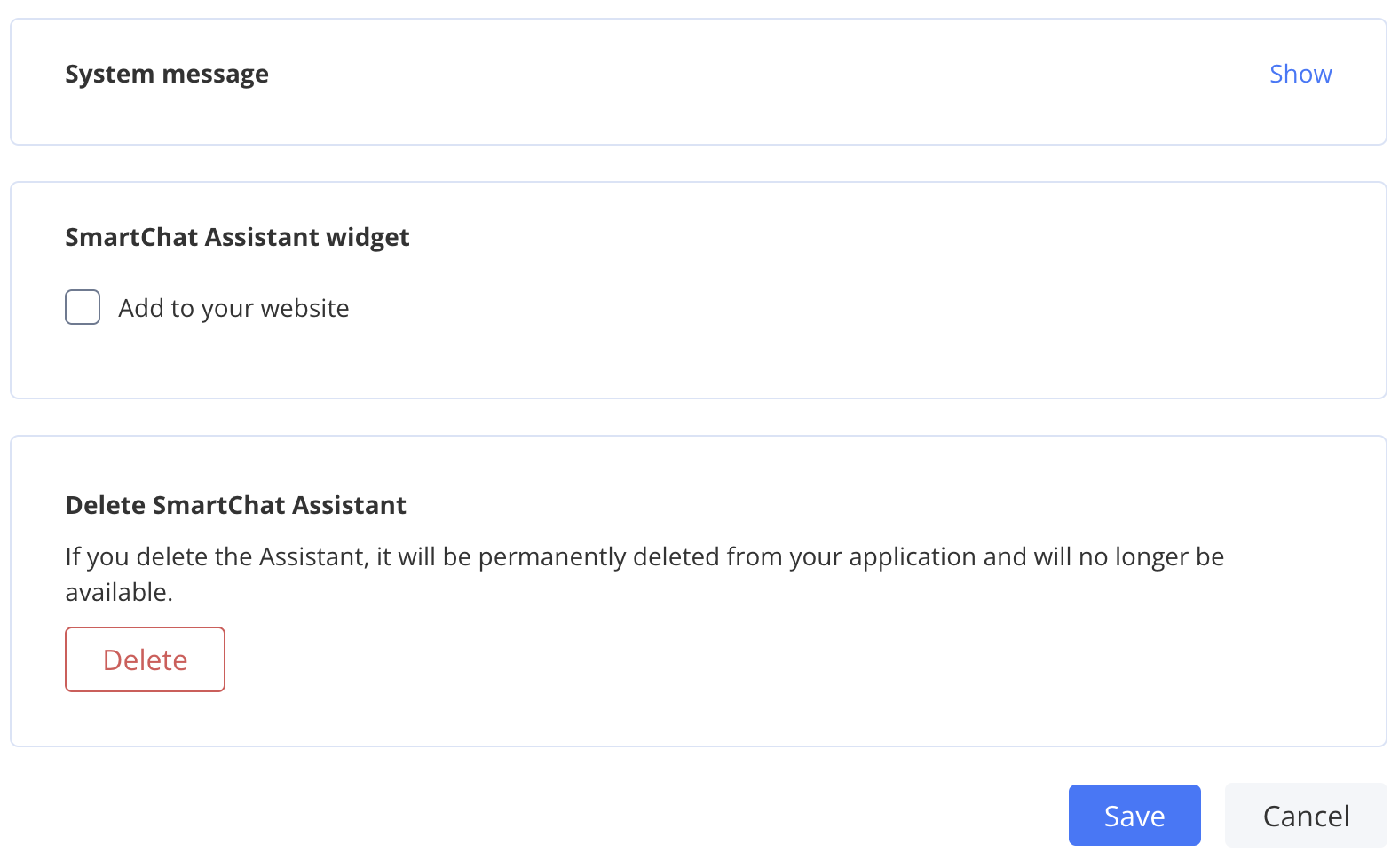
- Check the “Add to your website” checkbox.
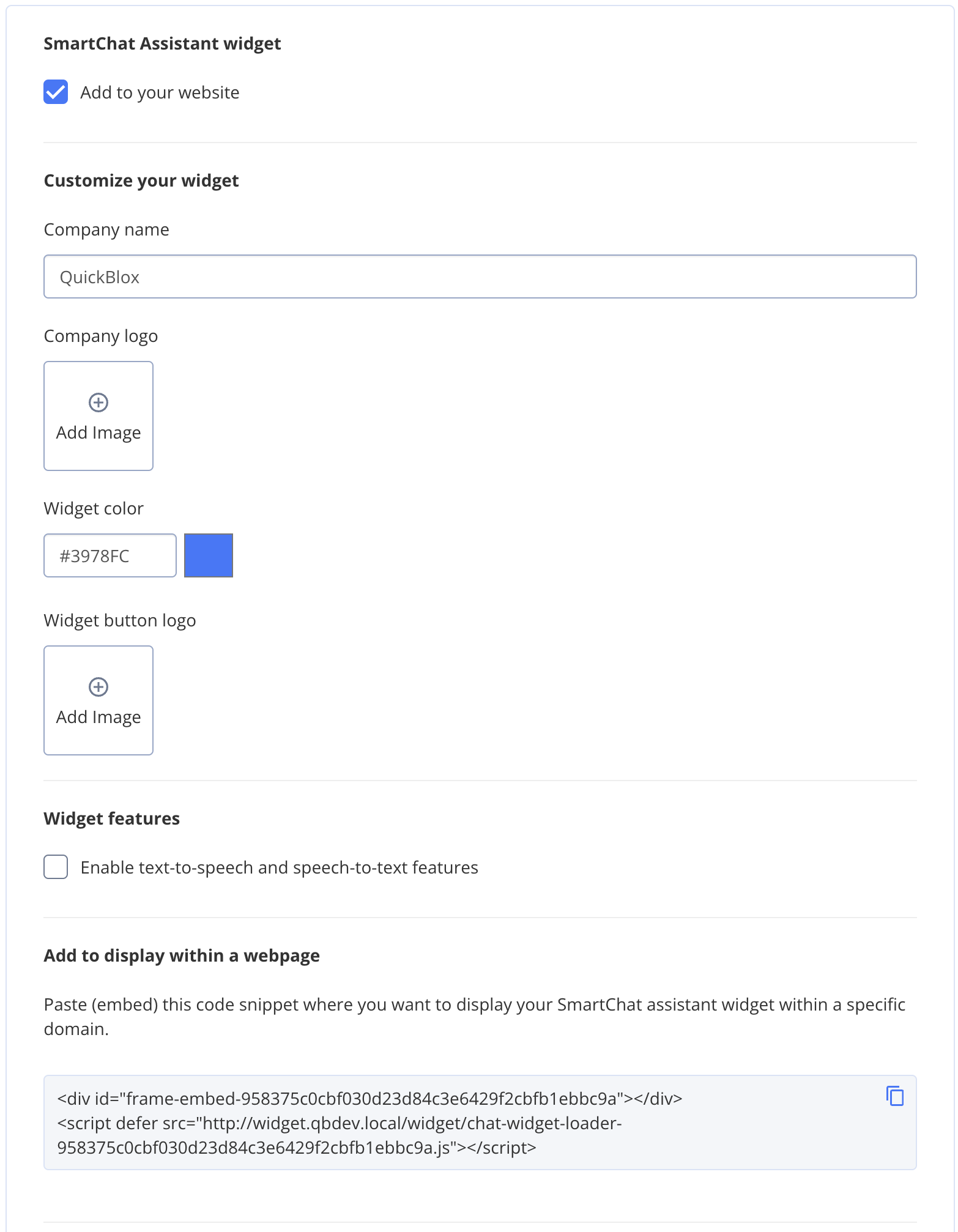
- Fill in the following details:
- Company name.
- Company logo.
- Widget color.
- Widget button logo.
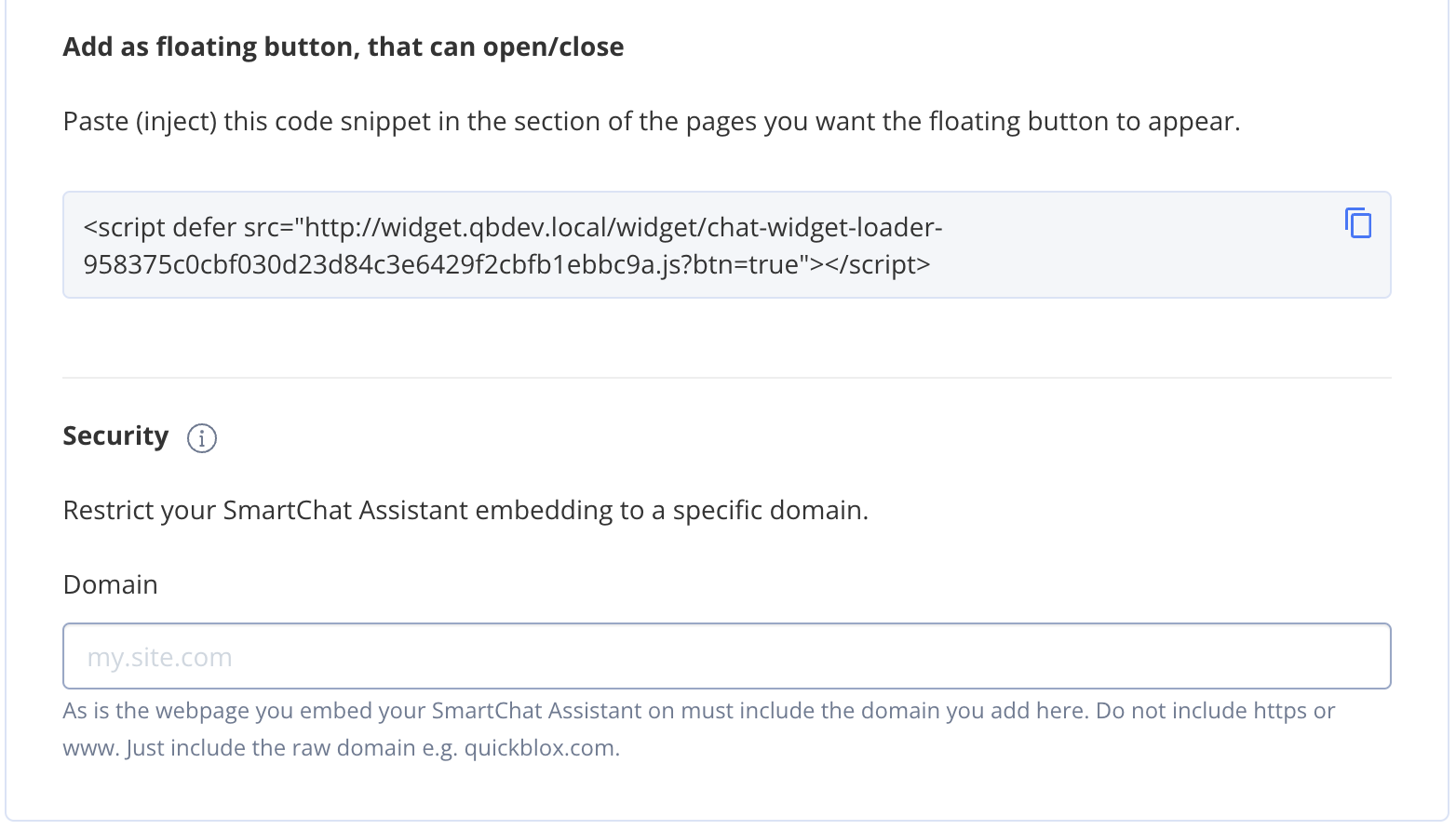
- Domain, if the widget should work only on a specific domain.
- Copy the widget code from either:
- “Add to display within a webpage”, or
- “Add as floating button, that can open/close”, depending on how the widget should appear.
- Paste the code into the webpage where the widget should be shown.
- Save the changes to the AI Agent.